Penn Engineering Homeline
    
ESE Undergraduate Labs
   
arrow General
  Introductory information
spacer spacer
arrow Schedule
  Hours of Operation
Closing Information
Test
spacer spacer
arrow Courses
  Undergraduate courses using the ESE labs
spacer spacer
arrow Instruments
  Devices available in the labs
spacer spacer
arrow Components
  Parts and tools used in the labs
spacer spacer
arrow Datasheets
  Detailed information for lab parts
spacer spacer
arrow PC-Based Hardware
  Data acquisition boards, 6811 boards, board setup...
spacer spacer
arrow Software
  Analog and digital programs, used with the laboratory tools...
spacer spacer
arrow Tutorials
  Learn how to use the hardware
spacer spacer
arrow Links
  Useful links for students and staff
spacer spacer
arrow Staff
  Faculty and lab administrators
spacer spacer


ESE Undergraduate Labs
RCA LabdividerKetterer LabdividerUndergraduate Robotics LabspacerDolph Simmons Senior Design Labspacer
Frederick Ketterer Lab

Dedicated to students in Senior Design Class, the Frederick Ketterer Lab is named after Dr. Fred Ketterer, an associate professor described as "the guardian of the quality of our undergraduate program" of Electrical Engineering.

About Dr. Ketterer

Lab Facilities

Dual Monitor Setup

Printing

Screen Capture


About Dr. Fred Ketterer

A 1954 Penn physics alumnus, Dr. Ketterer did research in industry for DuPont and General Electric while preparing for his M.S. in Electrical Engineering, which he received from Penn in 1960. For his Ph.D. in EE, he moved to MIT where he won the first of four teaching awards he was to receive in his career, the 1965 MIT Teaching Award. Returning to Penn later that year as an assistant professor, he won the United Engineers Award for Outstanding Teaching in 1968 and was promoted to associate professor three years later. In 1981 he also won the Lindback Award for Distinguished Teaching, followed by  Engineering's S. Reid Warren, Jr., Award for Outstanding Teaching in 1982. Early in his career he became known for his research on techniques for freezing organs for transplant. He was a member of the Society for Cryobiology, the Radiation Research Society and other professional organizations, and was a consultant to the National Cancer Institute and  Jefferson University Hospital. He also co-founded the Conshohocken firm K&C Medical.
  "Over the years Fred has played the single most dominant role in the undergraduate education of electrical engineering students at Penn," said Dr. Sohrab Rabii, professor of electrical engineering. "No EE undergraduate, during the past 35 years, has left without experiencing his rigorous, demanding and dedicated style of teaching. He has served as a model for all of us, and he will be sorely missed as a colleague and a friend."


Lab Facilities
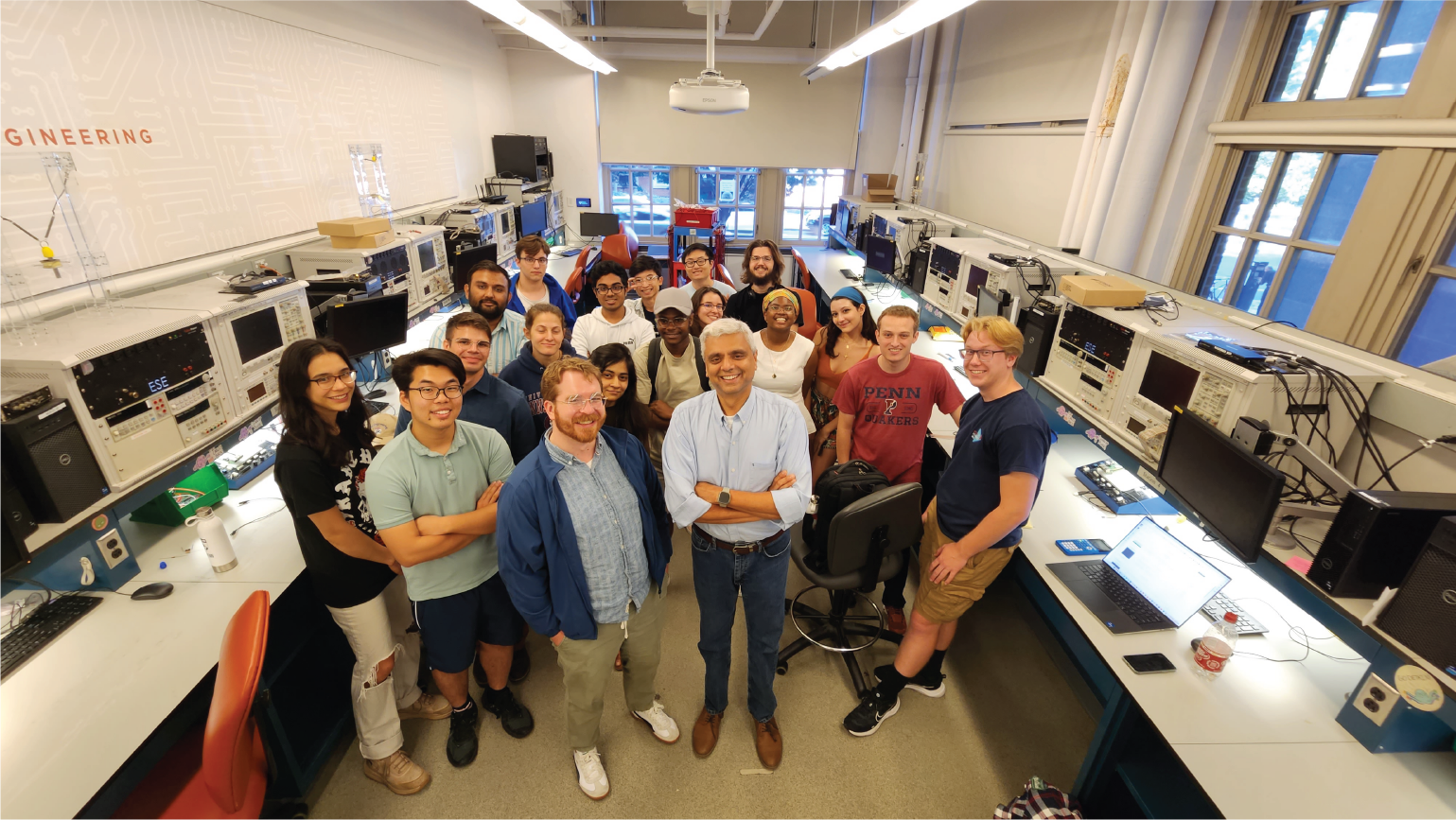
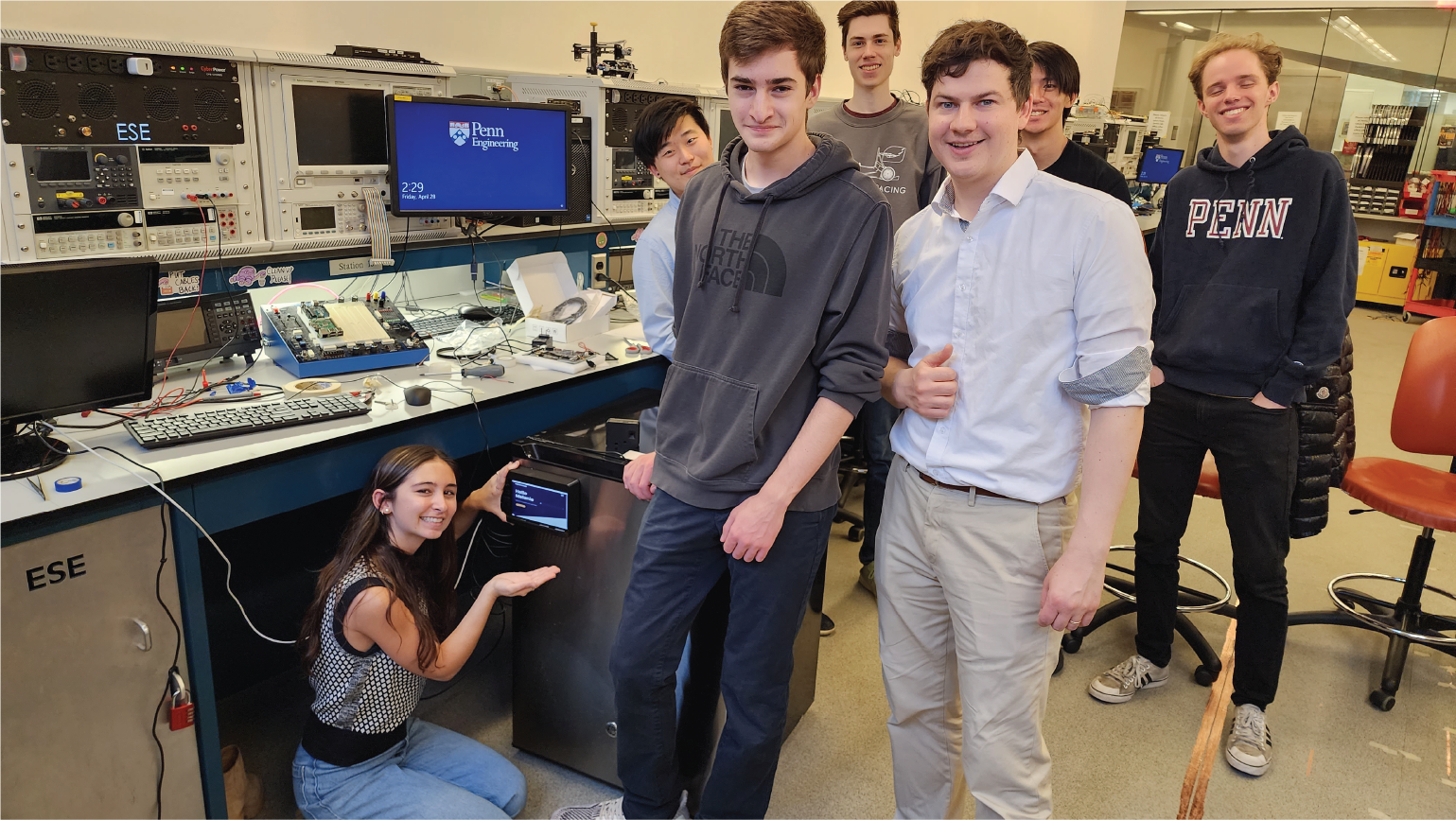
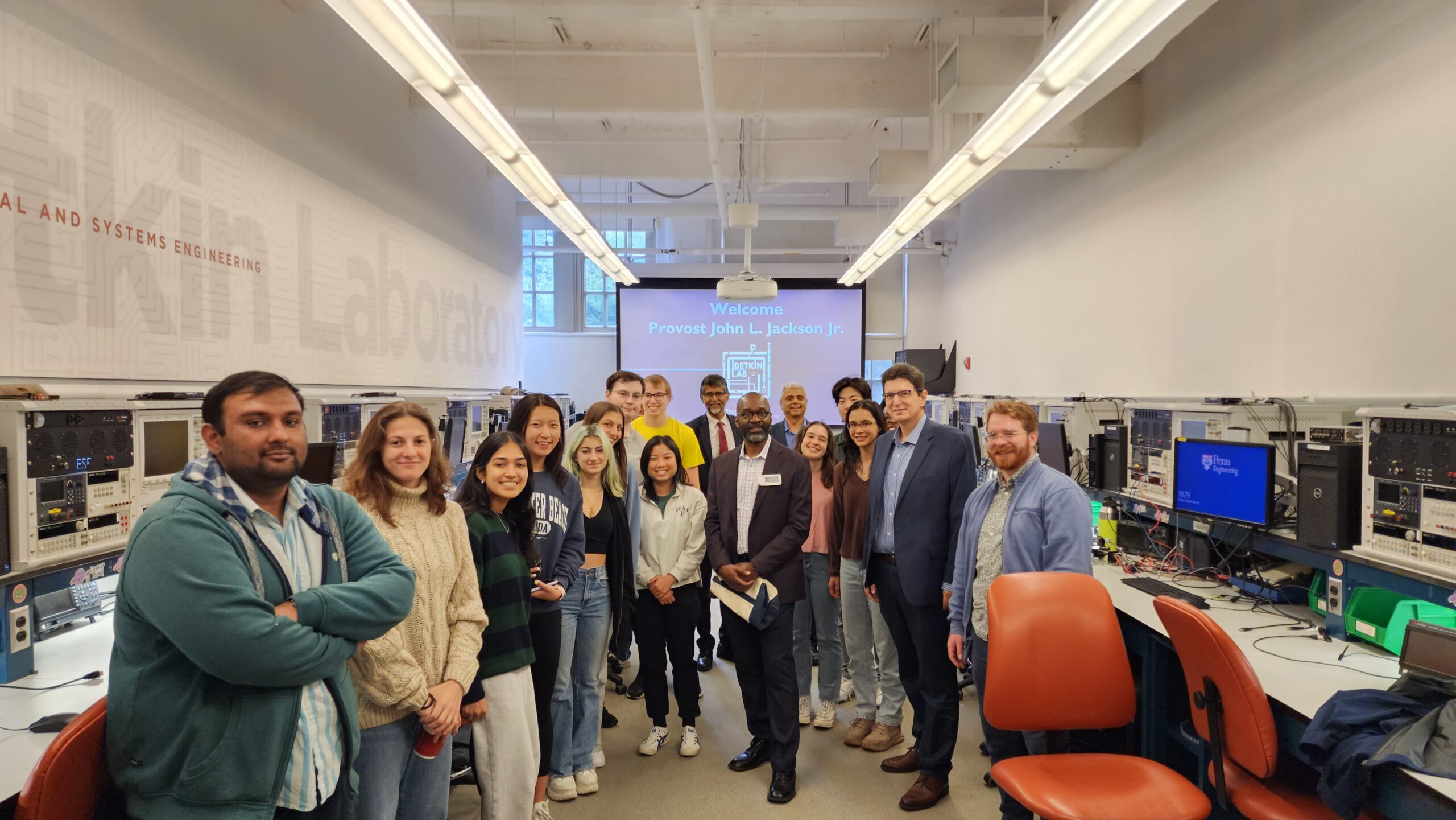
The lab open 24/7 (24 hrs, 7 days a week) to EE students and  houses 18 Pentium III class PCs with dual head video cards for whooping 2028 X 768 combined monitor resolution and software necessary for completing EE course work and assisting EE Senior Design class for their senior design projects. The lab is located in Moore Room 204.


Dual Monitor Setup
Unique to this lab is the dual monitor setup where a student makes use of dual monitors for using the PC.  To drag a window from one monitor to the other make sure that the active window is minimized

   
Once the window is minimized, click on the blue area of the toolbar and drag the window around the monitor.

Printing
The access to the printers is via the available printers in CETS printing stations. There is no printer installed in the lab but you can save the print job as a file. Check the box " Print to file.

This file can be used to print on laser printers on CETS print stations. To print on CETS printers you need to FTP the file onto your ENIAC account and then at the command prompt from ENIAC type:

1 ) To print to the 169 Moore print queue from ENIAC, type: lpr -Pclass169 filename

2 ) To print to the M70 Towne print queue from ENIAC, type: lpr -Pclassm70 filename

You can also save the files as Postscript files and then use above commands to send the files to the printer.

Screen Capture Software
Instead of cutting clipping printed images, PCs are installed with a screen capture utility called Hypersnap DX . The utility allows the user to capture the active window, screen or any region of the screen using the mouse. Launch Hypersnap DX software from Start > Programs > Hypersnap DX and choose Region from Capture menu.

The default settings for capturing the region of a screen is Ctrl+Shift+R. To capture the screen region press Ctrl+Shift+R and click on the capture region, then go to the end of the region and click with mouse again. The area between two clicks is captured. The captured region can be saved as jpg., gif., .bmp.

 
Go to the Penn Home Page divider Contact Us divider SEAS divider ESE Department spacer spacer


University of Pennsylvania - School of Engineering & Applied Science
ESE Undergraduate Labs - 101 Moore Building - 200 South 33rd Street, Philadelphia, PA 19104

This page is maintained and administered by Siddharth M. Deliwala <deliwala_at_ee.upenn.edu>.